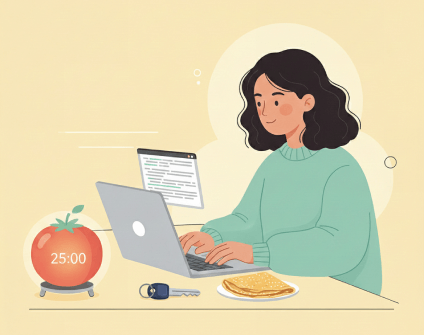
We originally built Planndu because we were tired of bouncing between five different apps just to get through a single day. We needed one place that fit the way we organize our life and work. So in this post, I want to show you how I use Planndu in my day-to-day life and maybe you’ll pick up a few ideas that can make your days run a bit smoother too.
Communal services payment
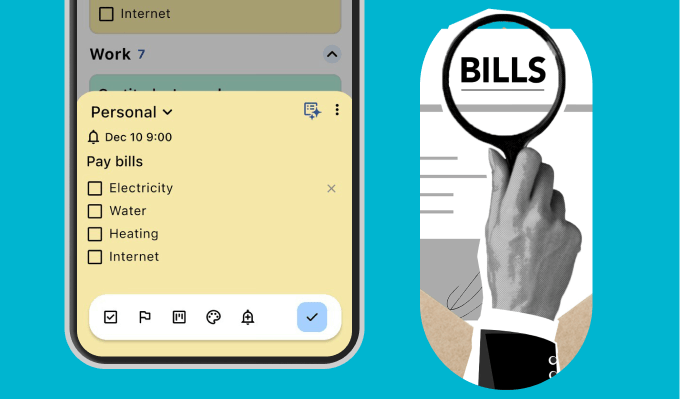
One way I use Planndu is by scheduling a monthly “bureaucracy day” for all my communal services, electricity, water, heating, internet, and any other recurring bills. I also set repeat reminders in Planndu so I never forget a payment, and I try to finish everything at once. Having it all scheduled takes away the stress of dealing with bureaucracy on the fly and helps me get through these tasks quickly, leaving me free to focus on more enjoyable parts of my day.
Apartment Hunting
Apartment hunting used to overwhelm me, mostly because I walked into viewings unprepared. Now, I treat it like a mini-research mission. Before I even step inside, I pull out my phone and run through a simple checklist I made for myself.
I ask questions like:
- What’s the noise like at different times of day?
- Who lives next door?
- How is the water pressure?
I also check the neighborhood on the spot like grocery stores, safety, transit, actual walking distance to anything important. Having that quick list of questions with checkboxes stops me from falling in love with pretty lighting while ignoring the deal-breakers. Preparation makes the whole process feel less chaotic and a lot more in my control.

Renovation
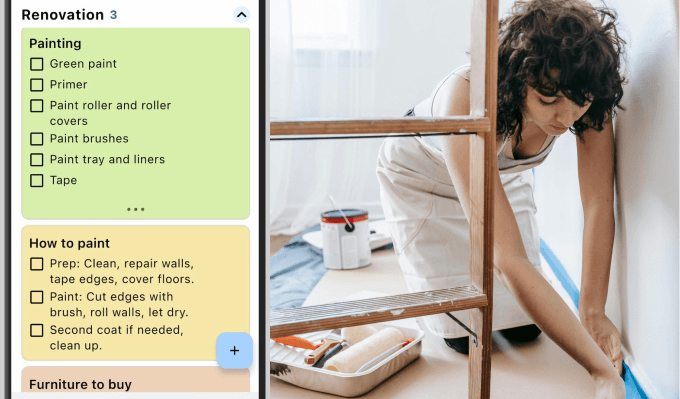
When I decided to remove the wallpaper and repaint the room, I didn’t realize it would become a project of its own. I had to create a new group in the app just for the renovation because my personal group was overloaded with tasks.Having a dedicated space for the project made it easier to stay on track and ensured nothing important slipped.
Pomodoro timer
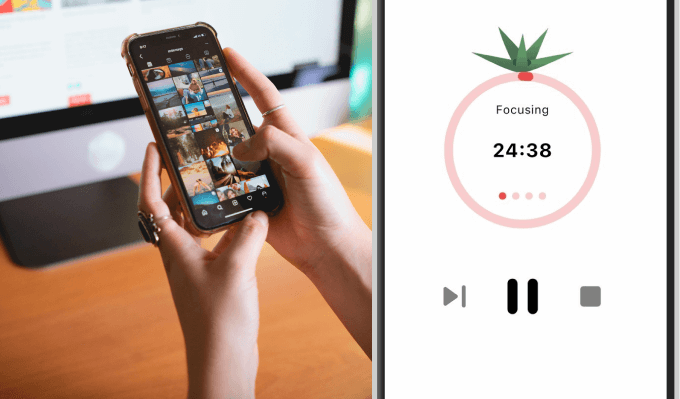
I had been putting off deleting old photos for years, my phone was overflowing with thousands of images, from blurry selfies to old receipts. The task felt impossible, until I tried the Pomodoro timer. By using 25-minute sessions, the mountain of photos became manageable. Session by session, I made progress, and now every photo has its place in folders organized by year, events, and locations. It’s still an ongoing process because I keep making more of them, but I’ve learned that even the most overwhelming digital clutter can be tackled.
Meal planning with templates
Sometimes lunch is approaching and I have no idea what to cook. That’s where Planndu’s meal planner template and recipe organizer come in. With the meal planner template, I write my meals the day before, planning out morning, lunch, and evening so everything is already arranged in advance. It removes the daily “what should I eat?” decision and makes my day feel more structured and intentional.
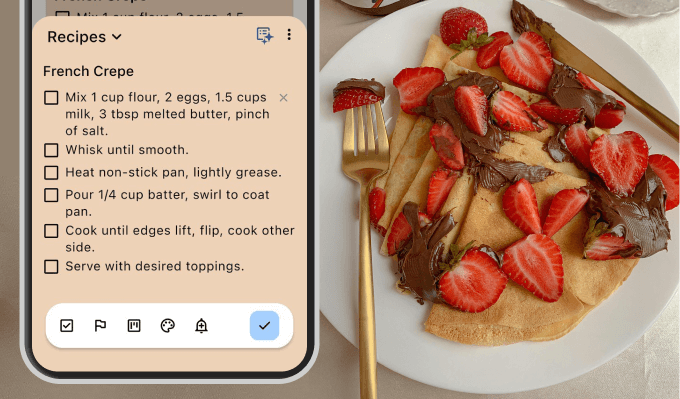
For moments when I want to cook something specific, I use the recipe organizer. I keep all my favorite recipes saved there, so I can quickly return to meals I already know I enjoy instead of searching for ideas again.
It’s only a partial list, of course, but I hope it gave you a few ideas for using Planndu in your everyday routine. If you want to try organizing your days the way I do or build your own system entirely, you can download Planndu on the App Store or Google Play. And if you have suggestions or feedback once you’ve tried it out, we’d genuinely love to hear from you!