
It’s been a while since we last shared an update, and a lot has happened over the past few months.
When we started building Planndu, our mission was simple: create a task manager that’s intuitive, secure, and has everything you need to stay organized. While cloud-based apps offer convenience, they also introduce trade-offs, especially when it comes to personal data that’s stored and processed on someone else’s servers.
Rather than pushing more data into the cloud, we took a different approach. We built Planndu with privacy at its core, to organize your personal tasks without compromising the control over your data.
Today, we’re excited to introduce Planndu 3.0.0: a major release that brings new features and a refined UI across the app.
Let’s take a deeper look at what’s new.
Share tasks on the same network
You can now securely move tasks directly between your devices over the same Wi-Fi network. No account required. It works completely offline, allowing you to share tasks while keeping them local and secure.
To use it, go to Settings > Share locally and pick the device you want to share with. A popup with all your tasks will appear, and you choose exactly which ones to send.
If your tablet is your work device and your phone is where you keep personal tasks, you can share just that one task to your tablet later, without dragging your personal notes along with it.
Keep in mind it isn’t real-time syncing, both devices need to be on the “Share locally” screen at the same time, and you move tasks over whenever you need to.
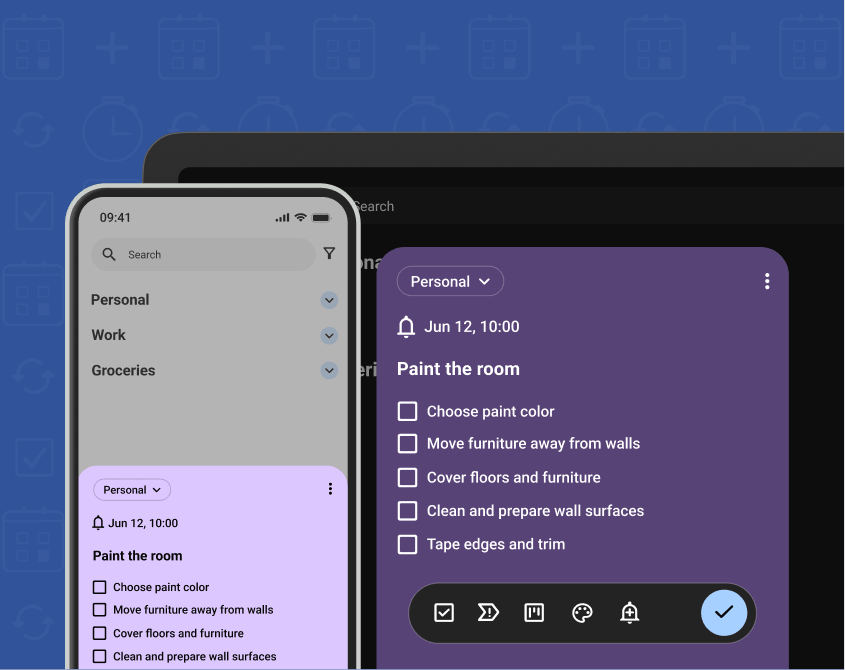
Drag and drop between groups
This one has been requested since the early days of Planndu, and we’re so excited it’s finally here. Until now, you could only drag and drop tasks within a single group. Now you can freely drag tasks between groups.
This feature essentially transforms your workspace into a dynamic Kanban board, especially in landscape mode where you can view multiple groups in columns side by side. It completely eliminates friction when shifting priorities, updating statuses, or reassigning items to different project.
Export and import your data
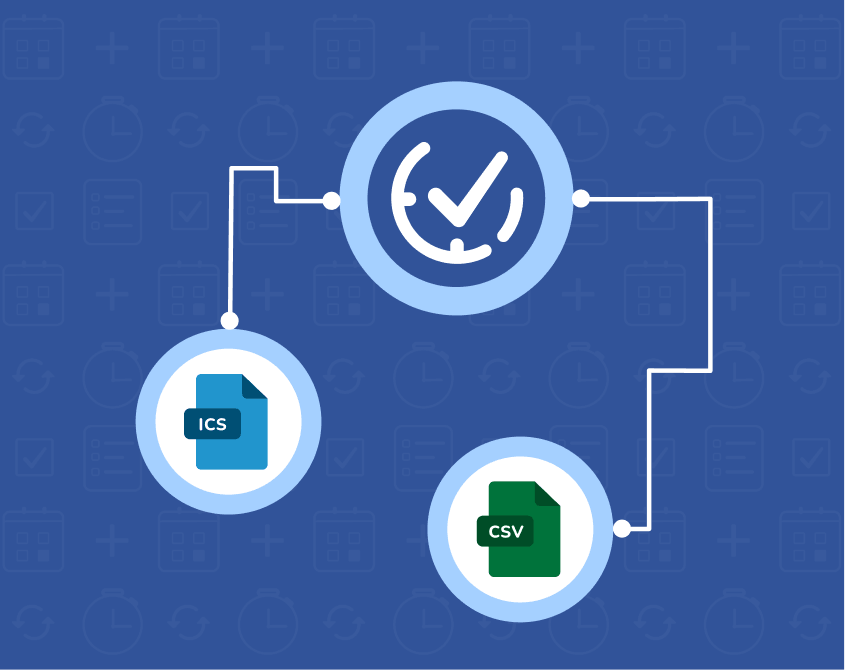
We’ve added import and export support, making it easy to back up your tasks, move to a new device, or migrate from another app whenever you need.
Your data remains private and secure throughout the process. Whether you’re creating a backup or transferring your workspace, you can now take your data with you in just a few clicks.
- Export all your tasks, groups, and due dates to a CSV file
- Import tasks and groups from CSV and ICS files to restore your data or bring it over from another app
- Works with Excel, Google Sheets, and most spreadsheet tools
- One click, no technical steps required
To access these features, go to Settings > Import & Export
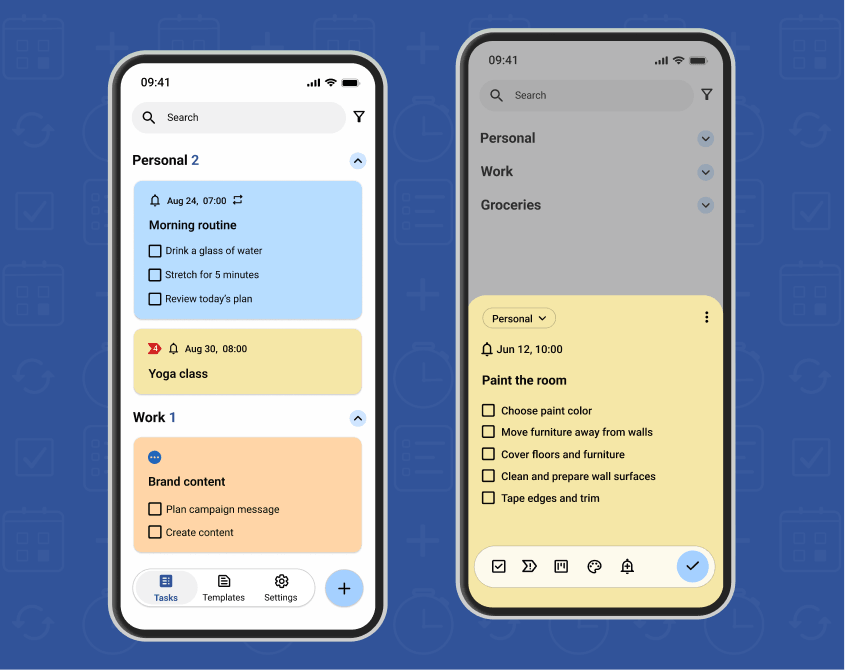
A fresh UI design
Planndu started out on Android, and it looked like it, the design leaned heavily into Android conventions. As more of you joined from iOS, we’ve heard the same note again and again: it just didn’t feel native. So we rebuilt the design to sit naturally on both platforms, with a subtle glass effects, and an overall UX that’s simpler than before.
3 New languages
Planndu now speaks Croatian, Danish, and Finnish, and we’ll keep expanding language support as we grow.
To change your language, go to Settings > Language and select your preferred option.
We also decided to remove the built-in Focus Timer. It made the app noticeably lighter, as some of you suggested years ago, it just took us a while to see that you were right. Sometimes the best feature you can ship is the one you take away.
Download or update Planndu now and see how these new features can improve the way you manage your tasks.
👉 Download on the App Store
👉 Get it on Google Play
It’s still surreal to see how far this has come, from a small app a handful of people used, to something thousands of you now rely on to organize your work, projects, and goals every day. If you have questions, feedback, or you’re just curious how any of this works, I’d genuinely love to hear from you. Feel free to contact us at contactus@planndu.com.
Happy tasking!